
Built for high-performance visual processing
Offload complex glitch filters, fragment shaders, and video effects with your PC's GPU.
GPU-Accelerated
OpenGL fragment shaders render complex effects at 60+ FPS.
Live Camera or Video
Capture and process live webcam feeds or load any video file for real-time transformation.
Shader Library & Editor
Load single shaders or full libraries. Built-in GLSL editor with syntax help, brackets, and auto-indent.
Multipass & Crossfade
Chain multiple shader passes with smooth crossfade transitions and randomized multipass mode.
MIDI Controller Support
Map hardware knobs and buttons to ACMX2 actions with the included MIDI Map Tool.
Audio Reactive
Configurable sensitivity, channels, and pass-through for audio-driven visuals.
3D Model Glitching
Native MX2 MXMOD parsing for real-time geometry glitching and 3D cube rendering modes.
Qt6 Interface
Polished graphical launcher with persistent settings for shader, audio, GPU filter, and MIDI config.
Get ACMX2 for Windows
Version 2.13.0 — ready to run on Windows 10 and 11 (x64). Unzip and launch the Qt interface to start applying real-time GPU shaders to your webcam or video files.
⚠️ Required Dependency: FFmpeg
To process and mux the video with sound, ACMX2 requires a static build of FFmpeg.
1. Download the ffmpeg-git-essentials.7z from gyan.dev.
2. Extract the archive and copy ffmpeg.exe (found in the bin folder) directly into your ACMX2 directory next to the executable.
- Windows 10 or Windows 11 (64-bit)
- Webcam or video file for input
- FFmpeg Static Binary
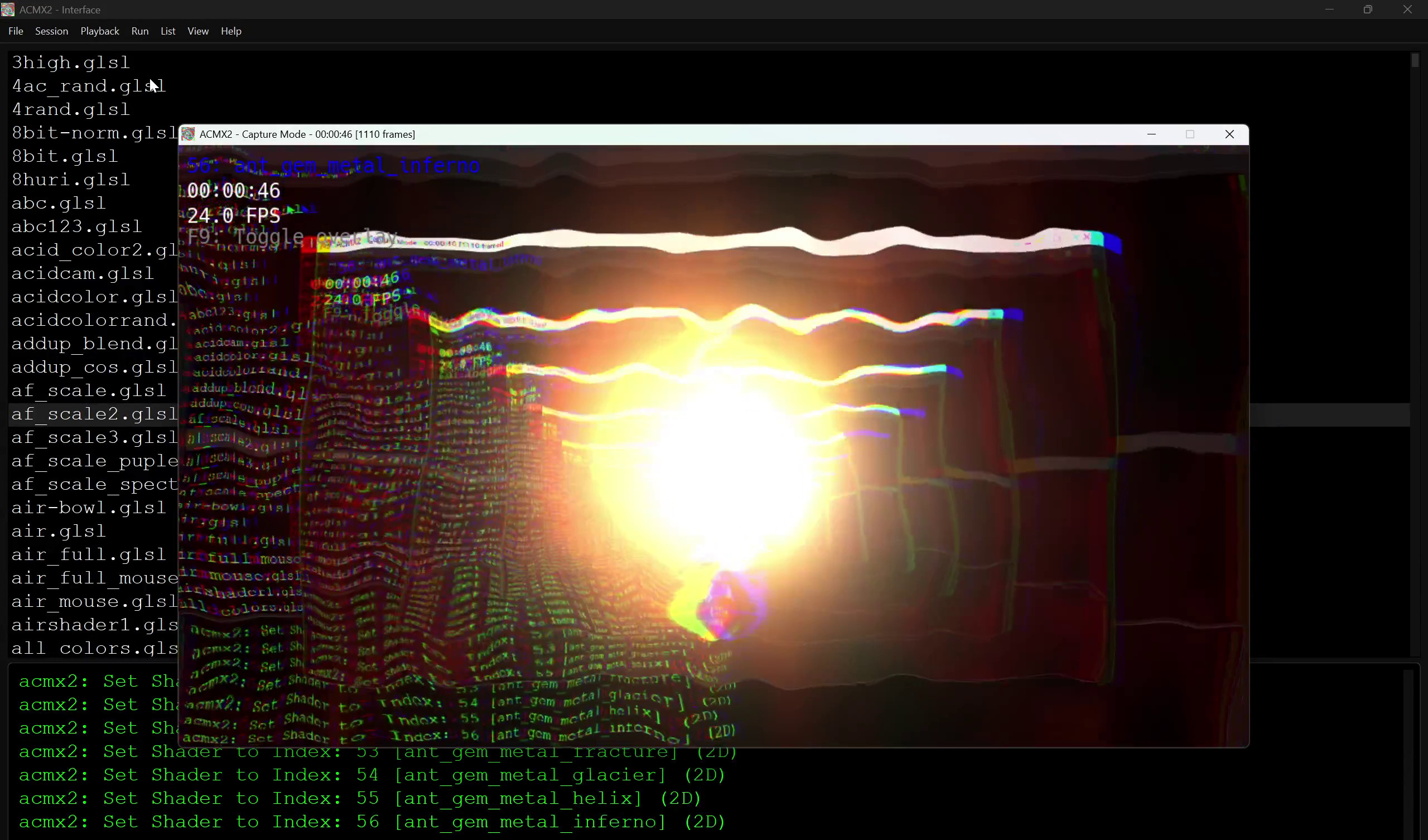
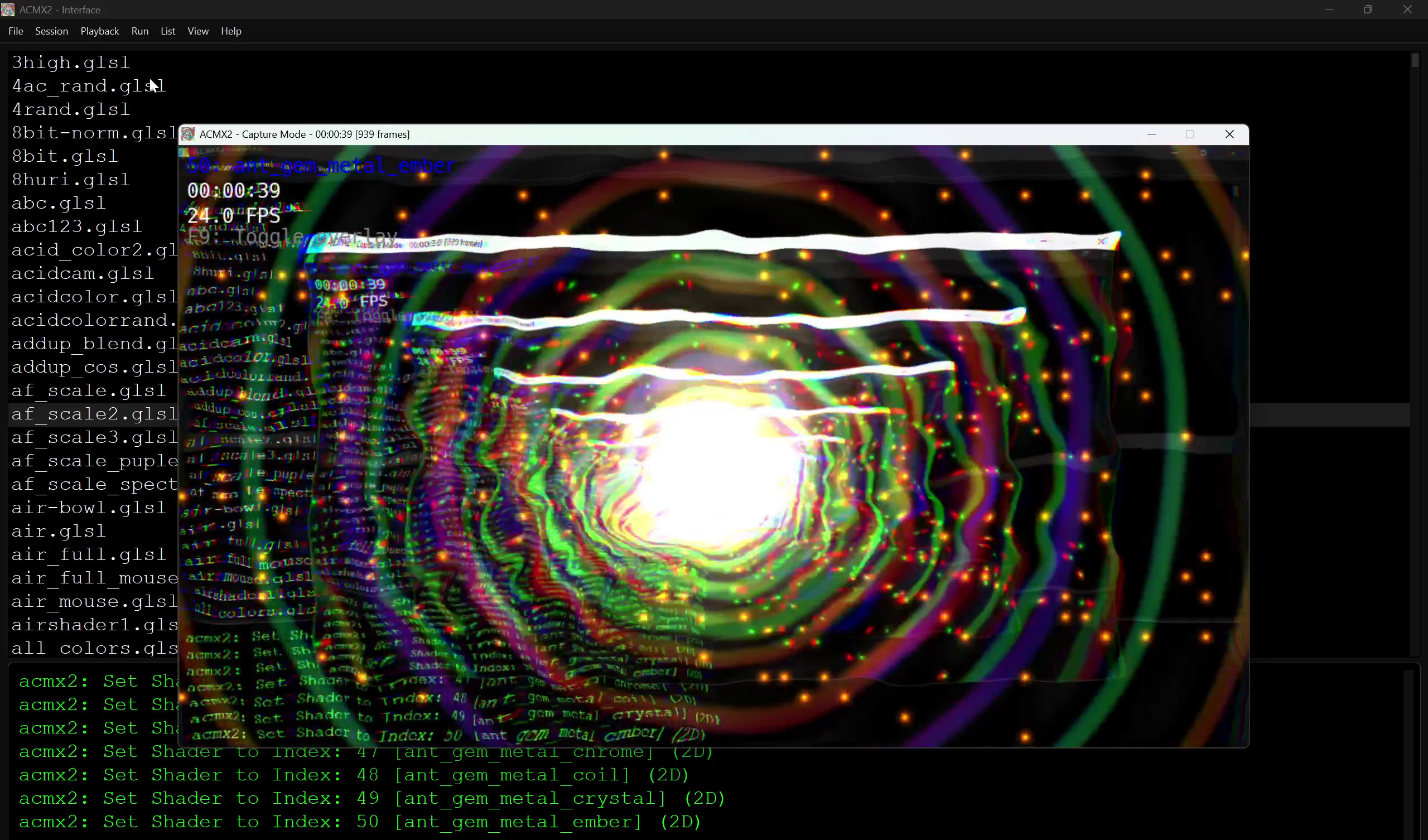
Screenshots
A look at ACMX2 processing live webcam and video input with GPU shader stacks.

Documentation & Resources
Dive deeper — explore the shader browser, programming guide, and full API docs.
Command-Line Reference
ACMX2 ships with a full CLI alongside the Qt launcher. A subset of the most common options is listed below — see the full documentation for audio, MIDI, encoder, and GPU filter options.
| Short | Long | Description |
|---|---|---|
-v | --help | Display help message and exit |
-p | --path <dir> | Assets path |
-r | --resolution <WxH> | Window resolution, e.g. 1920x1080 |
-d | --device <index> | Camera device index |
-c | --camera-res <WxH> | Camera capture resolution |
-i | --input <file> | Input video file |
-o | --output <file> | Output video file |
-s | --shaders <file> | Shader library index file |
-f | --fragment <file> | Single fragment shader file |
-h | --shader <index> | Initial shader index in library |
-u | --fps <fps> | Frames per second |
-b | --bitrate <crf> | Output bitrate in CRF |
-n | --fullscreen | Fullscreen window (Escape to quit) |
-a | --repeat | Loop video playback |
-w | --enable-audio | Enable audio reactivity |
--playlist <file> | Shader playlist file | |
--cross-fade <seconds> | Crossfade duration when switching shaders | |
--gpu-filter <indices> | GPU filter indices (comma-separated) | |
--enable-3d | Enable 3D Geometry rendering | |
--encode-codec <mode> | auto, software, or nvenc |